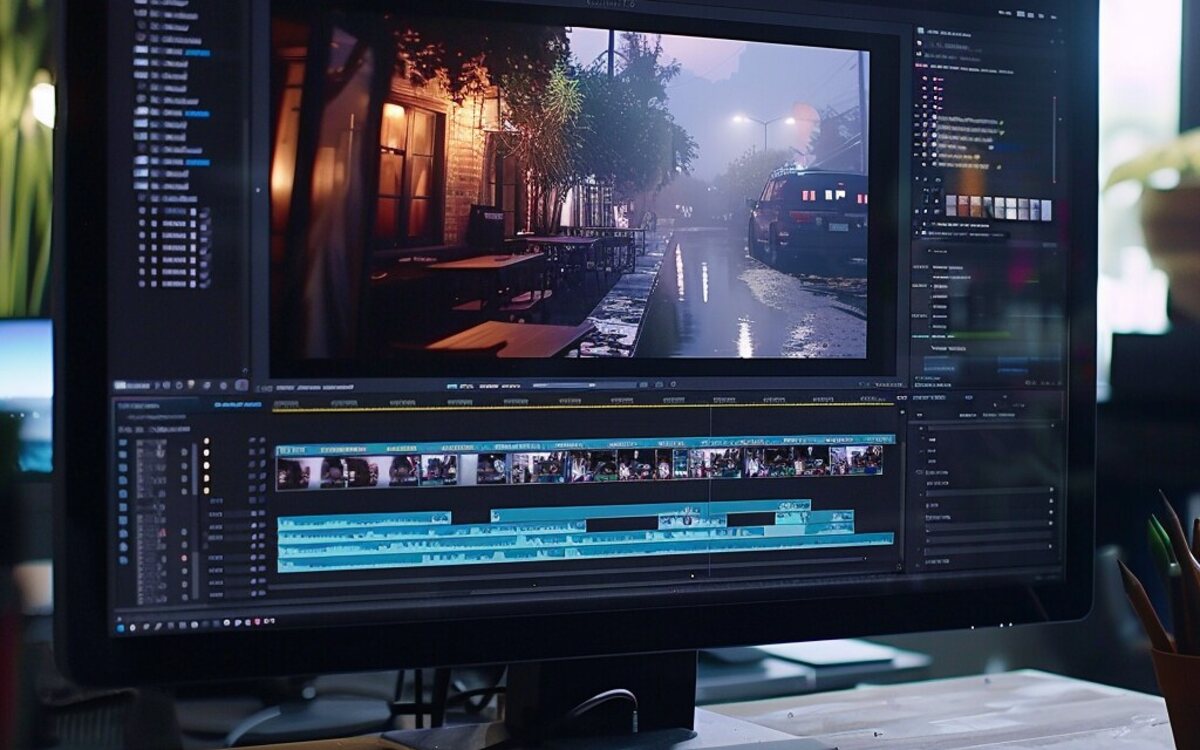
The clearest signs you need a video editor are simple: editing is eating the hours you should spend creating, your upload schedule keeps slipping, viewers leave at the same slow moments in every video, and your own time would earn more elsewhere in the channel. If two or three of those sound familiar, outsourcing is probably worth a serious look. If none do, you may be better off waiting. Below are the five signs we see most often, how to check each one with your own numbers, and the situations where hiring too early is a mistake.
Sign 1: Editing eats the hours you need for everything else
Editing is the stage that expands to fill whatever time you give it. Creator-tool blogs that cover this topic, such as Gling's guide to how long it takes to edit a YouTube video and Tasty Edits' version, publish very different editing-time estimates, and the range is wide because footage length, effects and the editor's experience all change the answer. Rather than trust anyone else's average, measure yours.
Run a two-week time audit. For every video, log hours spent on scripting, filming, editing, thumbnail and upload. Then work out your editing share. As an illustration only: if you spend 12 hours on a video and 7 of them are editing, editing is more than half your production time. If that pattern holds for every upload, hiring an editor frees up most of a working day per video for the parts only you can do.
The test: if editing is your largest single block of production time and you dread it, this is your first sign.
Sign 2: Your upload schedule keeps slipping
Consistency is a promise to your audience. When videos regularly go out days late, or you quietly drop from weekly to fortnightly because the edit is not finished, the bottleneck is usually production capacity. Missed uploads also make planning harder: thumbnails, titles and promotion all slip with them. Our post on how long it takes to grow a YouTube channel shows why steady publishing matters over a growth timeline measured in months, not weeks.
The test: count how many of your last ten planned uploads went live on the planned day. If you missed more than a couple because of editing, capacity is the problem.
Need help with this? Glock Media Video Editing
Retention-first editing for YouTube, Shorts, Reels and TikTok: pacing, motion graphics, colour and sound design. See how our Video Editing works or book a free strategy call.
Sign 3: Your retention graph shows production problems
YouTube's own analytics can point to editing issues. Google's help page on key moments for audience retention explains that dips in the graph mean viewers are abandoning or skipping at that point, and the report is available per video. Open the graphs for your last several uploads and look for repeating patterns:
- A steep drop in the first 30 seconds. Often a slow intro, long logo sting or a hook that is buried.
- Dips at the same stage of each video. Dead air, repeated points or visuals that do not change for too long.
- Drops where audio quality changes. Uneven levels, background noise or clashing music make viewers click away.
Not every dip is an editing problem; some are topic or script problems. Our guides to writing a script hook and whether you need a script help you separate the two. But if the same pacing problems recur and you cannot see how to fix them, an experienced retention-focused editor is a strong lever.
The test: if you can point to the same kind of dip across three or more videos, your edit is leaking viewers.
Sign 4: Your videos look weaker than your competitors'
Open five videos from the channels you compete with and five of yours, back to back. Compare pacing, captions, graphics, sound design and how often the visuals change. If viewers move between your video and theirs, they will notice the difference even if they cannot name it. This is also where packaging comes in: thumbnails and titles are produced alongside the edit. Our guide to what makes a thumbnail get clicked covers that side.
The test: show a stranger two videos with the sound on and ask which one looks more professional. If it is not yours, production quality is holding you back.
Sign 5: Your time is worth more elsewhere
As a channel grows, your most valuable work often changes. Topic research, scripting, sponsor conversations, community and strategy tend to move the needle more than trimming silence. If you are the only person in the pipeline, every hour at the timeline is an hour not spent on the work that decides what you make and who watches it.
This is also the point where format expansion becomes tempting: Shorts, a second channel, a podcast clip pipeline. Each one multiplies editing demand. Our video editing team turns short-form around in 48 to 72 hours and long-form in 5 to 7 business days, with multiple revision rounds, which is the kind of turnaround that makes a weekly schedule realistic.
The test: list the three jobs in your channel that only you can do. If editing is not on that list, it is a candidate to hand off.
What the data says about output versus craft
There is a trade-off between how often a channel publishes and how much work goes into each video. To illustrate it, we pulled a handful of English-language narrated channels from NexLev. All figures below are NexLev's estimates, the sample is tiny and chosen by a search, and it proves nothing about cause and effect. It simply shows the shape of the trade-off:
| Channel (NexLev category) | Uploads per week | Average views per video | Videos published |
|---|---|---|---|
| The Lazarus Code (gaming documentary) | 0.25 | about 144,800 | 7 |
| Lucas Cinematic Studio (AI-assisted cinema) | 0.5 | about 467,100 | 7 |
| Prose in Plastic (animated geopolitics) | 3.5 | about 60,600 | 84 |
| The Human Workforce (business talk) | 5.5 | about 4,400 | 476 |
The two channels with the most produced, long-form videos upload roughly every two to four weeks, while the highest-volume channel in the sample averages far fewer views per upload. Many things besides editing explain those differences, so do not read it as a rule. The practical point is narrower: the amount of production work per video limits how many videos you can make. If your plan needs more uploads than you can edit, you need more editing capacity, not more hours in your own week.
When you should wait before hiring
An editor cannot fix everything, and hiring too early wastes money and goodwill. Hold off if:
- You have not found your format. If every video is a new experiment, a hired editor will struggle to match a moving target. Edit your own for a while to learn what works.
- You have no consistent content plan. Editors need scripts, footage and briefs on time. A late pipeline makes an editor late too.
- Your problem is the idea, not the edit. A polished video on a topic nobody searches for will still underperform.
- You cannot budget for ongoing work. Editing is a recurring cost, not a one-off. Our breakdown of what a YouTube video editor costs explains how to plan for it.
How to hire once you are ready
- Write a brief. Include your audience, three reference videos you like, typical video length and the tone you want.
- Run a paid test edit. Use footage from a real upload so you see how they handle your material.
- Judge pacing and audio first. Effects are easy; retention-friendly pacing is the skill.
- Agree on revisions and turnaround up front. Know how many rounds are included and how quickly files come back.
- Choose the right model. Read our comparison of a freelance video editor versus a video editing agency before you commit.
If you run a gaming channel, our guide to video editing for gaming YouTubers shows what a good edit involves before you decide to outsource it.
Key takeaways
- Five signs: editing eats your hours, uploads slip, retention graphs show production leaks, your videos look weaker than competitors', and your time is worth more elsewhere.
- Run a two-week time audit before deciding; do not rely on other people's editing-time averages.
- Use the audience retention report to separate editing problems from topic or script problems.
- Wait if you have no stable format, no content pipeline or no recurring budget.
- Hire with a brief, a paid test edit and clear revision terms.
Frequently asked questions
What are the signs you need a video editor?
The clearest signs are: editing takes more of your week than creating or planning, you keep missing your upload schedule, your retention graph shows dips tied to pacing or audio problems, your videos look weaker than competitors in your niche, and your time is worth more on strategy, scripting or sales than on timelines.
When is the right time to hire a video editor?
Hire when you have a repeatable format, a steady publishing plan and evidence that people want the videos, such as growing views or repeat viewers. If you are still searching for a topic or format, edit your own videos a little longer so you learn what works before you hand the work off.
Should I hire a freelancer or an agency?
A freelancer suits a single, well-defined format and a lower volume. An agency suits channels that need several formats, quicker turnaround, backup when someone is unavailable, or strategy alongside editing. Our freelancer versus agency comparison walks through the trade-offs in detail.
How do I know if an editor is a good fit?
Ask for a paid test edit on your own footage, give a written brief with reference videos, and judge the result on pacing, audio clarity and how little you need to change. Check that they understand retention, not just effects.
Will hiring an editor make my channel grow?
Not on its own. An editor improves production quality, consistency and your available time. Growth still depends on topic choice, packaging and audience fit. Editing is one lever among several, which is why a plan for scripts, thumbnails and analytics matters too.
If several of these signs describe your channel, our video editing service handles long-form and short-form edits with a retention-first approach. You can pair it with scriptwriting or a wider growth strategy if editing is only part of the bottleneck.
Want Glock Media to do this for your channel?
We script, edit, manage and grow channels for creators and brands worldwide. Book a free 30-minute strategy call or explore our Video Editing service.